
JavaScript Operators: The Basics You Need to Know
The essential toolkit for everyday coding, explained simply.
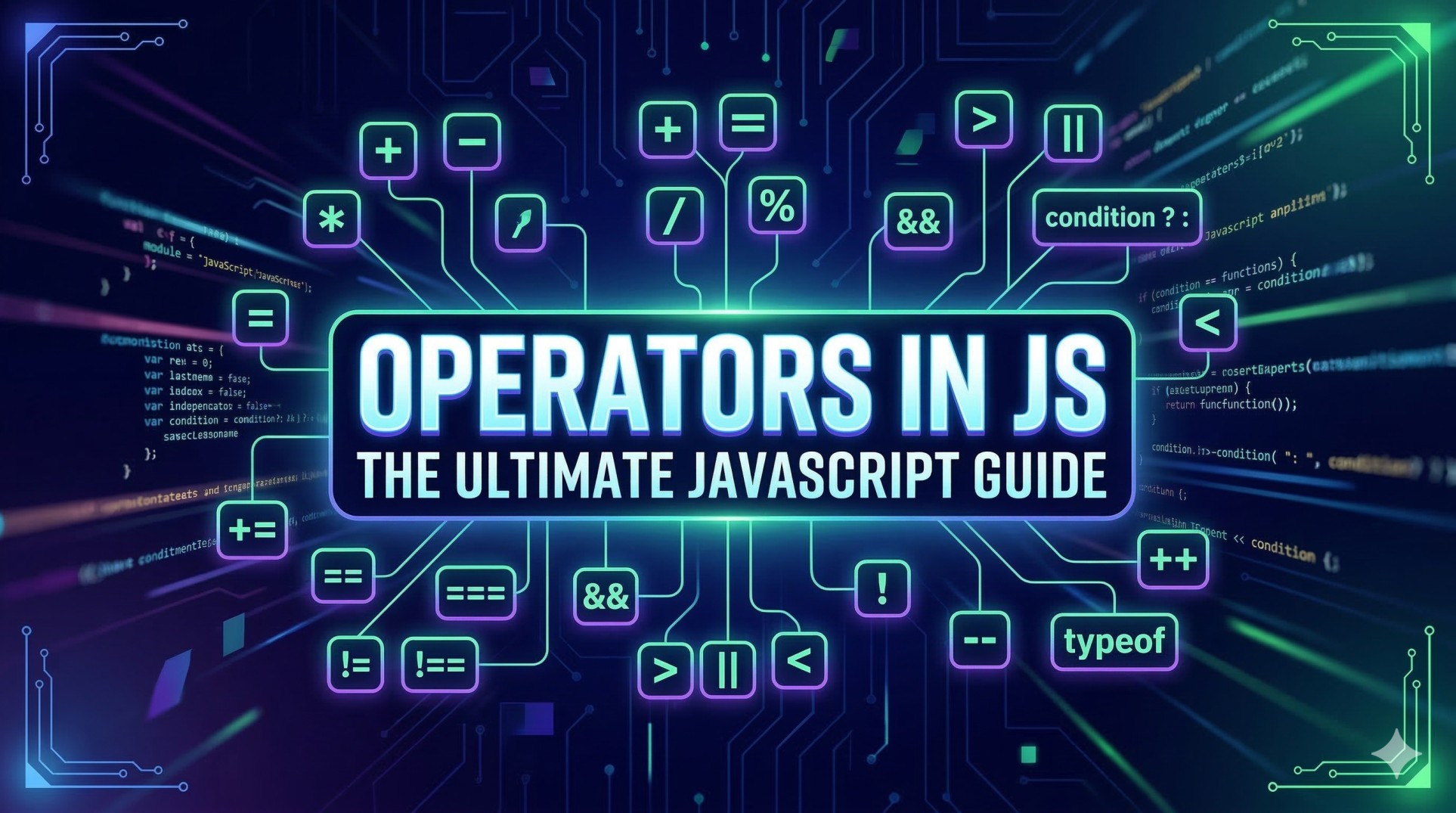
When you are starting your journey to become a full-stack engineer, JavaScript can sometimes feel like learning a completely new language. But just like any spoken language has verbs to make things happen, programming languages have operators.
Simply put, operators are symbols that tell the computer to perform specific mathematical, relational, or logical tasks. They are the engines that make your code actually do things.
Let's break down the everyday operators you will use constantly in your JavaScript projects.
1. Arithmetic Operators
These are the most familiar ones. They perform basic math operations just like the calculator on your phone.
+(Addition)-(Subtraction)*(Multiplication)/(Division)%(Modulo / Remainder)
The modulo operator (%) might look new, but it just gives you the remainder of a division. For example, 10 % 3 is 1 because 3 goes into 10 three times, leaving 1 leftover.
Let's see them in action:
let a = 10;
let b = 3;

console.log(a + b); // 13
console.log(a - b); // 7
console.log(a * b); // 30
console.log(a / b); // 3.333...
console.log(a % b); // 1
2. Comparison Operators
We use comparison operators to compare two values. They always return a boolean: either true or false.
>(Greater than)<(Less than)!=(Not equal to)
The Big Debate: == vs ===
This is a classic "gotcha" in JavaScript. Both check for equality, but they do it differently:
==(Loose equality): Checks if the values are the same, even if the data types are different. JavaScript will try to convert the types behind the scenes to make a match.===(Strict equality): Checks if both the value AND the data type are exactly the same.
Always use === in your everyday coding. It prevents weird bugs.
let num = 5;
let str = "5";

console.log(num > 3);  // true
console.log(num < 10); // true

// The difference between loose and strict equality
console.log(num == str);  // true (JavaScript converts the string to a number)
console.log(num === str); // false (Number is not the same type as String)
3. Logical Operators
Logical operators are used to connect multiple conditions together. Think of them as the bouncers at a club checking multiple requirements before letting you in.
&&(AND): Returnstrueonly if both conditions are true.||(OR): Returnstrueif at least one condition is true.!(NOT): Flips the boolean value.truebecomesfalse, and vice versa.
let hasTicket = true;
let isVip = false;

// AND (Requires both to be true)
console.log(hasTicket && isVip); // false

// OR (Requires only one to be true)
console.log(hasTicket || isVip); // true

// NOT (Reverses the value)
console.log(!hasTicket); // false
4. Assignment Operators
You use these to assign values to variables. The most basic one is =, but there are handy shortcuts for updating a variable's value based on its current value.
=(Assign)+=(Add and assign)-=(Subtract and assign)
let score = 10; // Basic assignment

score += 5; // Shortcut for: score = score + 5
console.log(score); // 15

score -= 2; // Shortcut for: score = score - 2
console.log(score); // 13
💻 Practice Assignment
Ready to try it out yourself? Open up your console or a new file and complete these steps:
Arithmetic: Create two variables with numbers. Perform addition, subtraction, multiplication, and division, and
console.logthe results.Comparison: Create a number variable and a string variable holding the same digit (e.g.,
9and"9"). Compare them using both==and===and log the output.Logical: Write a small scenario with two boolean variables (e.g.,
isWeekendandhasHomework). Write a condition using&&or||to determine if you have free time, and log the result.
Wrap Up
You don't need to memorize complex operator precedence charts right now. In everyday usage, JavaScript reads pretty much left-to-right, and if you ever need a specific calculation to happen first, just wrap it in parentheses () exactly like you would in regular math!